
Network-attached storage (NAS) devices are versatile servers that help back up files, facilitate sharing and collaboration, or create a personal entertainment cloud, according to WIRED's Simon Hill. After months of testing devices from top brands, Hill recommends specific models for families looking to back up data and possibly run a media server to reduce streaming subscriptions.
Top NAS Picks
Synology DiskStation DS224+ is the top recommendation for average home users, as reported by Hill. This two-bay NAS features an Intel Celeron J4125 quad-core processor, 2 GB of RAM (upgradable to 6 GB), and support for up to 40 TB of storage. It offers a 2.5-Gbps Ethernet port, one 1-Gbps Ethernet port, and USB ports on the front and back. The screwless clip-on tray design simplifies drive installation. Hill noted the device is compact and relatively quiet, with minor fan noise under load.
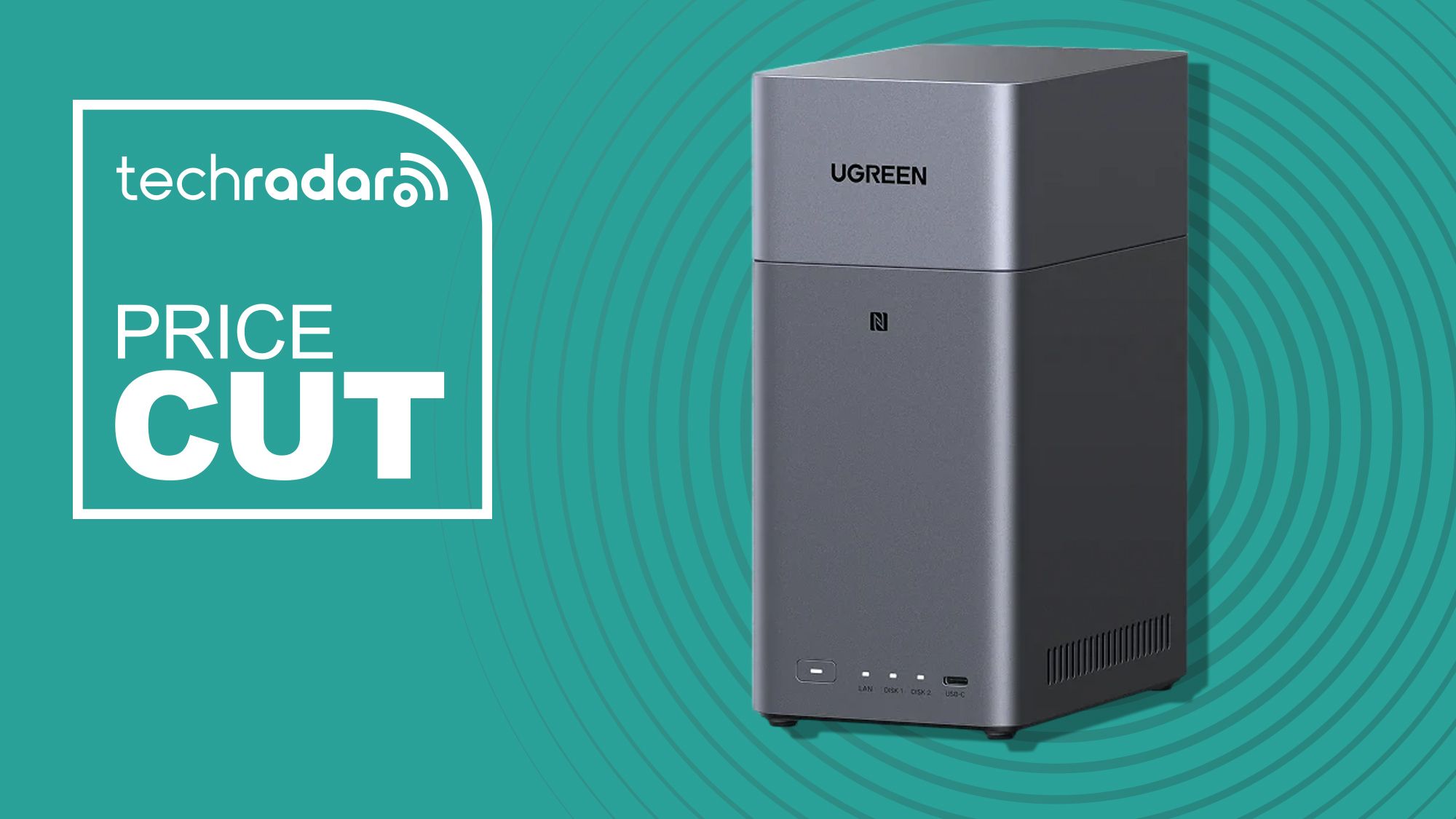
Ugreen NASync DH4300 Plus is a four-bay NAS that Hill described as an impressive debut from a company better known for charging gear. It is more affordable than many competitors, supports up to 128 TB (user-supplied drives), and fits a 1-Gbps network with read/write speeds around 100 MB/s, reaching 200–300 MB/s on faster networks.
Performance Highlights
In Hill's tests, the Synology DS224+ consistently achieved around 300 MB/s read and 250 MB/s write speeds. However, performance drops to a little over 100 MB/s if any network component (router, cable, switch) is limited to 1 Gbps. The Ugreen DH4300 Plus was not exceptionally fast but adequate for most users, starting at ~100 MB/s on a 1-Gbps network.
Software and Ecosystem
Synology's software, accessed via web interface and mobile apps, is described by Hill as the most polished and user-friendly among tested devices. It offers the largest selection of apps, including first-party tools and third-party options like Plex and Jellyfin. Additional capabilities include VPN server and security camera support. On the downside, Synology briefly locked its NAS lineup to proprietary drives but rolled back the policy after customer protest.
The Synology BeeStation Plus is an all-in-one solution with pre-installed storage, but no app ecosystem and middling performance. The regular BeeStation ($365) has 4 TB of storage. Hill noted prices are currently inflated due to AI-driven shortages.
Considerations for Buyers
All tested NAS devices require users to provide their own drives (except the BeeStation models). The Synology DS224+ lacks an HDMI port, which may be a drawback for direct TV connection. The DS425+ ($520) adds two extra bays. Ugreen's four-bay design offers more expandability at a lower price, but software is less mature than Synology's.
Synology also makes routers and security cameras that Hill has not yet tested, indicating a broader ecosystem for those who want integrated networking.
Performance Comparison Table
| Feature | Synology DiskStation DS224+ | Ugreen NASync DH4300 Plus |
|---|---|---|
| Bays | 2 | 4 |
| Max Storage | 40 TB | 128 TB |
| Processor | Intel Celeron J4125 | Not specified |
| RAM | 2 GB (up to 6 GB) | Not specified |
| Network Ports | 1x 2.5-GbE, 1x 1-GbE | 1x 1-GbE (likely) |
| Read Speed (1 GbE) | ~100 MB/s | ~100 MB/s |
| Read Speed (2.5 GbE) | ~300 MB/s | 200–300 MB/s |
| Price (approx) | ~$300 (drive not included) | Affordable (drive not included) |
| Software | Polished, large app library | Less mature |
Hill recommends the Synology DS224+ for its speed, software, and flexibility, while the Ugreen DH4300 Plus is a cost-effective way to get four bays. Both serve well for backups and media streaming, but buyers must weigh expandability against ecosystem maturity.
Sources: