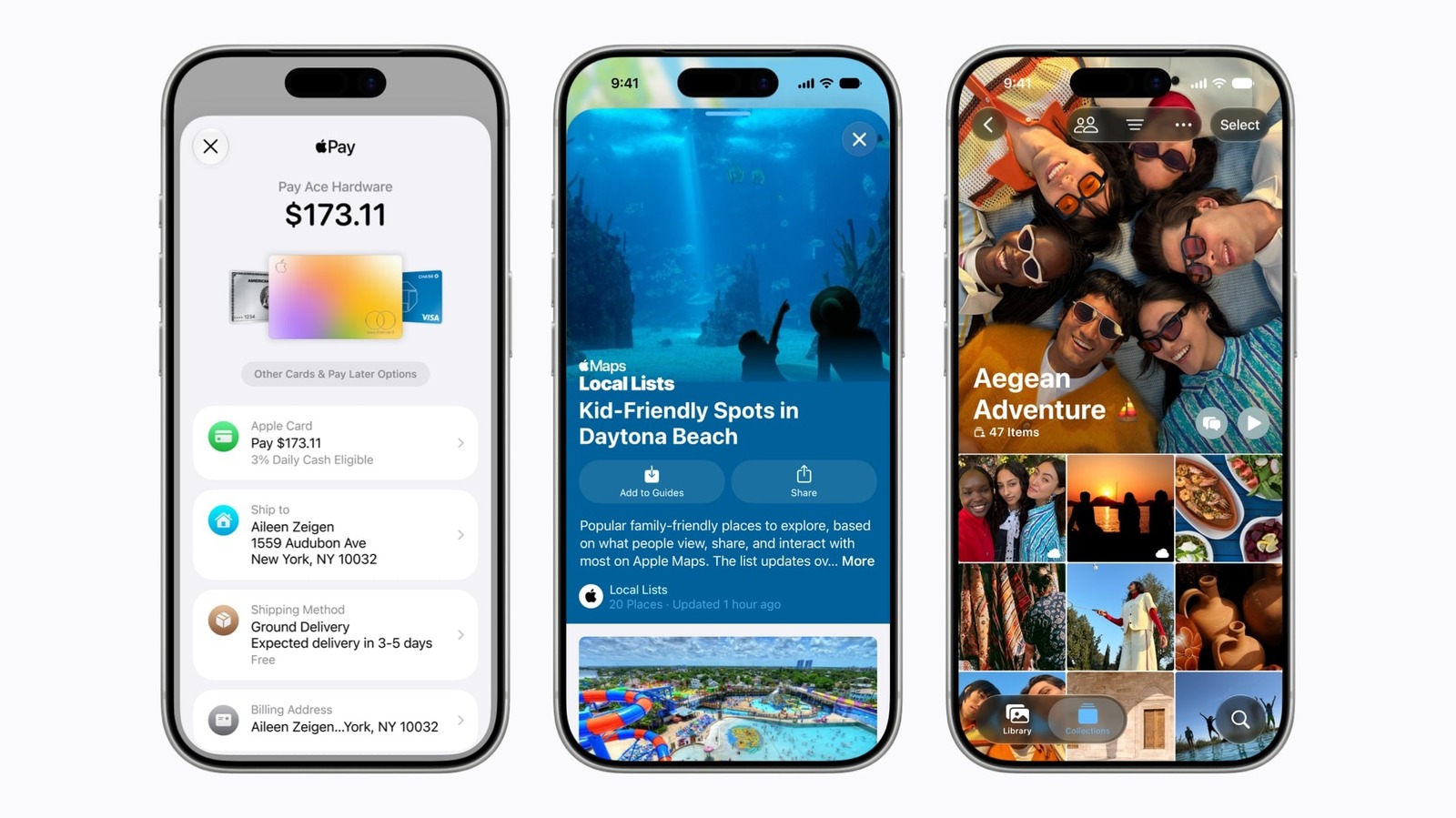
Enterprise IT teams responsible for mobile application compatibility now have access to Apple's iOS 27 developer beta, released after the company's annual Worldwide Developers Conference (WWDC 2026) in June. For organisations that develop or manage iOS apps for employee or customer use, early beta access is essential for testing integration, security, and performance before the official launch. According to TechRadar, the finished release is expected alongside the iPhone 18 series in September.
Registering for the Developer Program
To download the iOS 27 developer beta, you must first enroll in the Apple Developer Program. TechRadar reports that the process is straightforward and can be completed on the web or via the Apple Developer app. To start on the web, visit the enrollment page, click 'Start your enrollment', sign in with your Apple ID, and select 'Continue enrollment on the web'. You will then fill in your name and address, choose your 'entity type' (typically 'individual'), and accept the agreement. After reaching the payment screen, you can exit — this still enrolls you in the free tier of the Apple Developer Program, which is all that is needed for beta access. Alternatively, the Apple Developer app offers enrollment via the 'Account' tab.
Downloading and Installing the Beta
Once enrolled, the actual installation is simple. On your iPhone, navigate to Settings > General > Software Update, then tap 'Beta Updates' and select 'iOS 27 Developer Beta'. The latest developer beta should appear as an available update. Tap to download and follow the on-screen instructions. TechRadar warns that this is a large update, so installation may take a while and your iPhone will reboot during the process. It is recommended to back up your iPhone before proceeding.
| Step | Action |
|---|---|
| 1 | Enroll in Apple Developer Program (free tier) via web or Apple Developer app |
| 2 | Back up your iPhone |
| 3 | Go to Settings > General > Software Update > Beta Updates |
| 4 | Select 'iOS 27 Developer Beta' |
| 5 | Tap download and follow instructions |
Considerations for Enterprise Deployment
Because this is a developer beta, it is primarily intended for app developers. TechRadar notes that a public iOS 27 beta will likely follow, offering greater stability — making it a safer choice for broader internal testing. Enterprise IT teams may prefer to wait for the public beta or the final release to avoid potential issues with production devices. The finished version is expected in September alongside the iPhone 18 series.
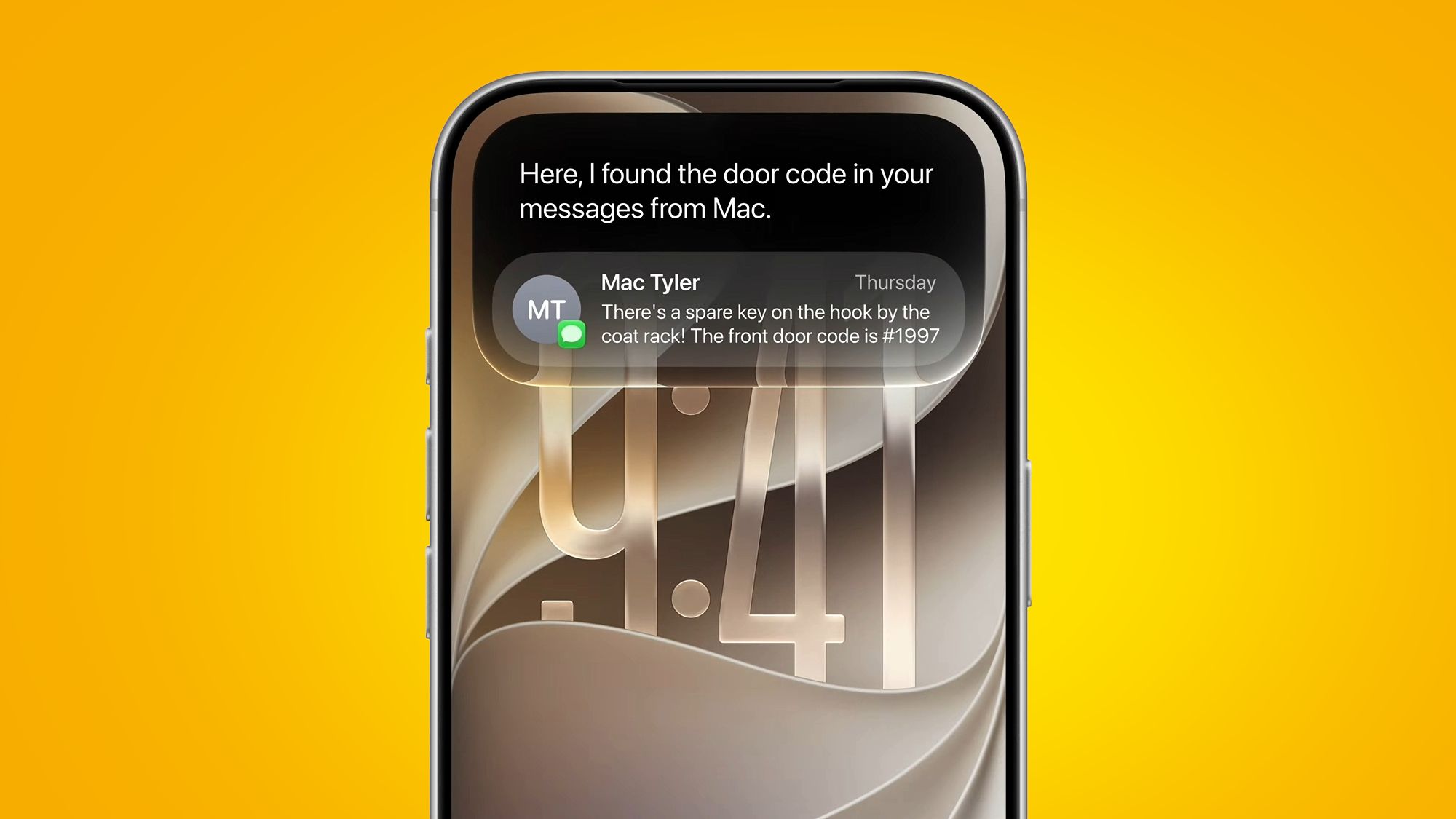
For organisations that rely on custom iOS applications or integrated device management, early access to iOS 27 allows proactive validation. However, given the beta's preliminary nature, deployment should be limited to dedicated test devices. TechRadar also mentions that the beta includes a new Siri AI interface, as shown in promotional imagery, though specific enterprise-focused features are not detailed in the source.
Bottom Line
With the iOS 27 developer beta now accessible, enterprise IT leaders have a window to begin compatibility testing. The registration and installation process is simple and free, but the beta's instability warrants careful planning. Stay tuned for the public beta release, which will offer a more polished experience.
Sources: