
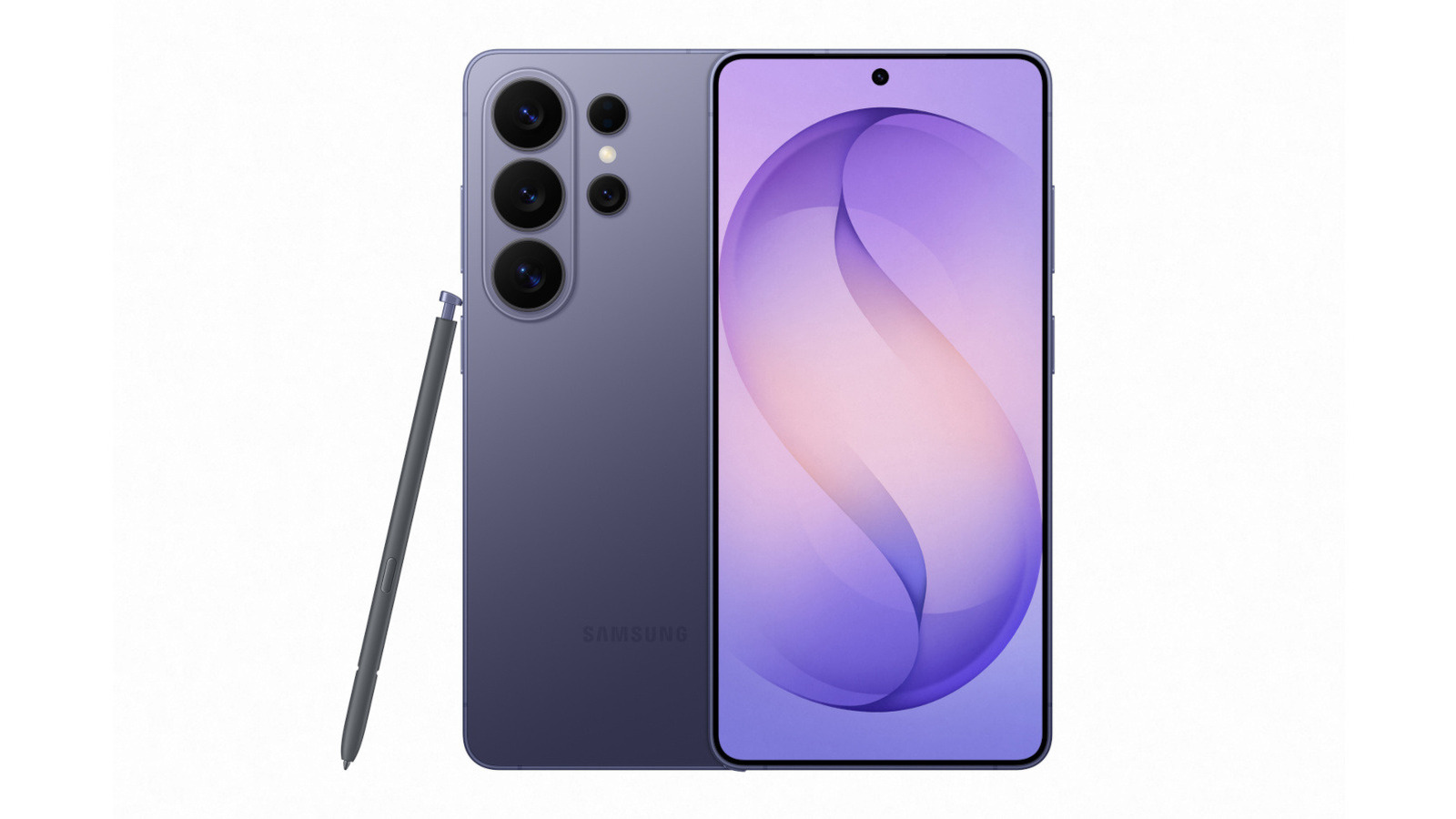
If you're a Samsung phone user, you might have noticed a green dot appearing at the top right corner of your screen. This is not a bug but a crucial security feature designed to enhance user privacy. The green dot indicates that an app is accessing your phone's camera or microphone, a feature introduced with Android 12 in 2021.
The Purpose of the Green Dot
The green dot serves as a transparency indicator for users, alerting them when their camera or microphone is in use. This feature is part of Google's broader initiative to improve security and privacy on Android devices. When an app accesses these features, the indicator initially appears as a green tab with a camera or mic icon, which then collapses into a dot next to your phone's battery and connectivity icons.
How to Check App Access
To determine which app is using your camera or microphone, simply swipe down from the top of your screen to open the notification bar and tap on the green dot. This will display the app currently accessing these features, such as Instagram if you're posting a Story.
- Step 1: Swipe down from the top of the screen.
- Step 2: Tap on the green dot.
- Step 3: View the app accessing your camera or mic.
Addressing Unauthorized Access
If the green dot appears without any known app usage, it could indicate unauthorized access. In such cases, restart your phone and perform an anti-malware scan. On Samsung devices, you can search for "App security" and select "Google Play Protect" to scan for harmful apps. Google's instructions can also guide you through a more thorough inspection for viruses or malware.
Managing App Permissions
To revoke an app's access to your camera or microphone, tap on the green dot and then on the "Being used by [app]" tab. This will bring up the permissions settings for that app, allowing you to change its access to "don't allow" or "ask every time."
This feature empowers users to maintain control over their privacy and ensure that apps do not misuse sensitive permissions. As privacy concerns grow, such transparency tools are becoming essential for device security.
Sources:


