
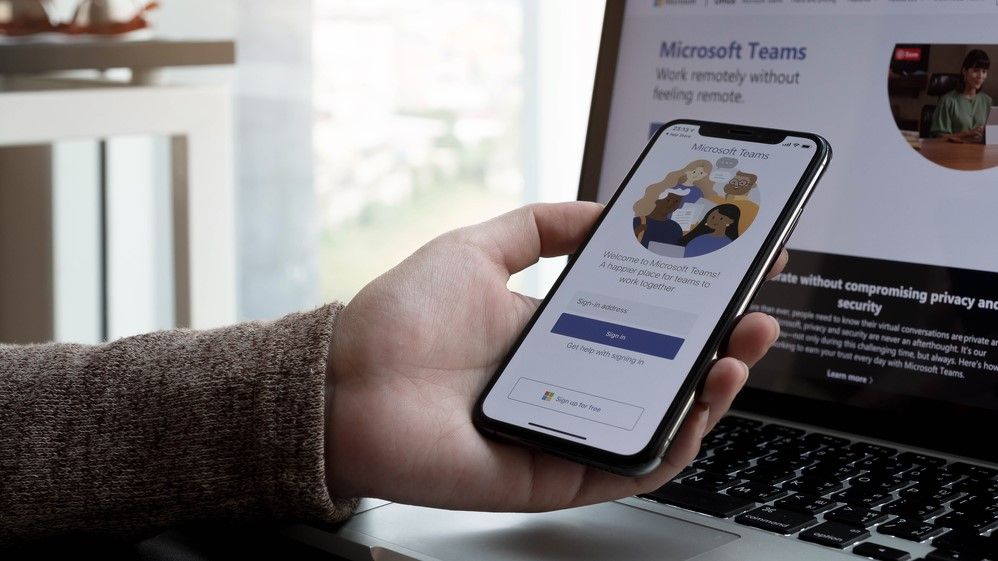
Microsoft Teams is rolling out a feature that uses Wi-Fi networks to detect a user's location, automatically updating their workplace location when they connect to an office Wi-Fi network. The tool, called "Workplace Check-in via Wi-Fi," is designed to provide more insight for managers of hybrid teams, according to TechRadar. However, it could also be seen as a potential privacy concern for employees seeking to avoid oversight.
Workplace Check-in via Wi-Fi
In a Microsoft 365 roadmap post announcing the feature, Microsoft noted: "when users connect to their organization's Wi-Fi, Teams will soon be able to update their work location to reflect the building they're working from." The update is an extension of existing capabilities to check in to a building or a reserved desk, providing more flexibility and ease of use to help coordinate with coworkers.
The feature was first announced in October 2025 and has faced delays. The current version includes a caveat that was not present in the original announcement: the tool will be off by default, and admins will be able to decide whether to enable it. TechRadar reported that "end-users always have the choice to opt-in or opt-out of sharing this information." This adjustment suggests Microsoft honed the tool following initial feedback.
Privacy and Control for Users and Admins
The opt-in/opt-out mechanism gives users a degree of control, but the feature still raises questions about workplace surveillance. TechRadar noted that the update "will be great news for those managing hybrid teams" because it provides more insight about where workers are situated, but "could be bad news for those of us looking for a quiet day getting some work done." The feature is rolling out now to all Teams users across Windows and Mac devices.
Broader Microsoft Teams Updates
The Workplace Check-in feature is one of several recent additions aimed at boosting productivity in Microsoft Teams. According to TechRadar, Microsoft also recently added the ability for users to promote their vital skills and attributes directly within Teams via their Microsoft 365 profile card. This gives colleagues and managers a quick view of a person's qualifications.
At the same time, Microsoft closed Together Mode, a feature first released during the pandemic that let users turn their calls into virtual keynote, lecture theatre, or meeting room settings. TechRadar reported that with many offices now open and in-person meetings becoming more common, Microsoft chose to end the tool in favor of working on other improvements.
Implications for Enterprise Software Buyers
For CTOs, technology procurement leaders, and enterprise software buyers, the new Wi-Fi check-in feature offers a trade-off between visibility and employee autonomy. The default-off setting with admin enable and user opt-in provides a framework that can be tailored to company culture. However, the potential for misuse or perception of surveillance means that clear policies and communication will be essential. As hybrid work models evolve, tools like this could become standard in collaboration platforms, but their acceptance will depend on how transparently they are implemented.
Sources:


