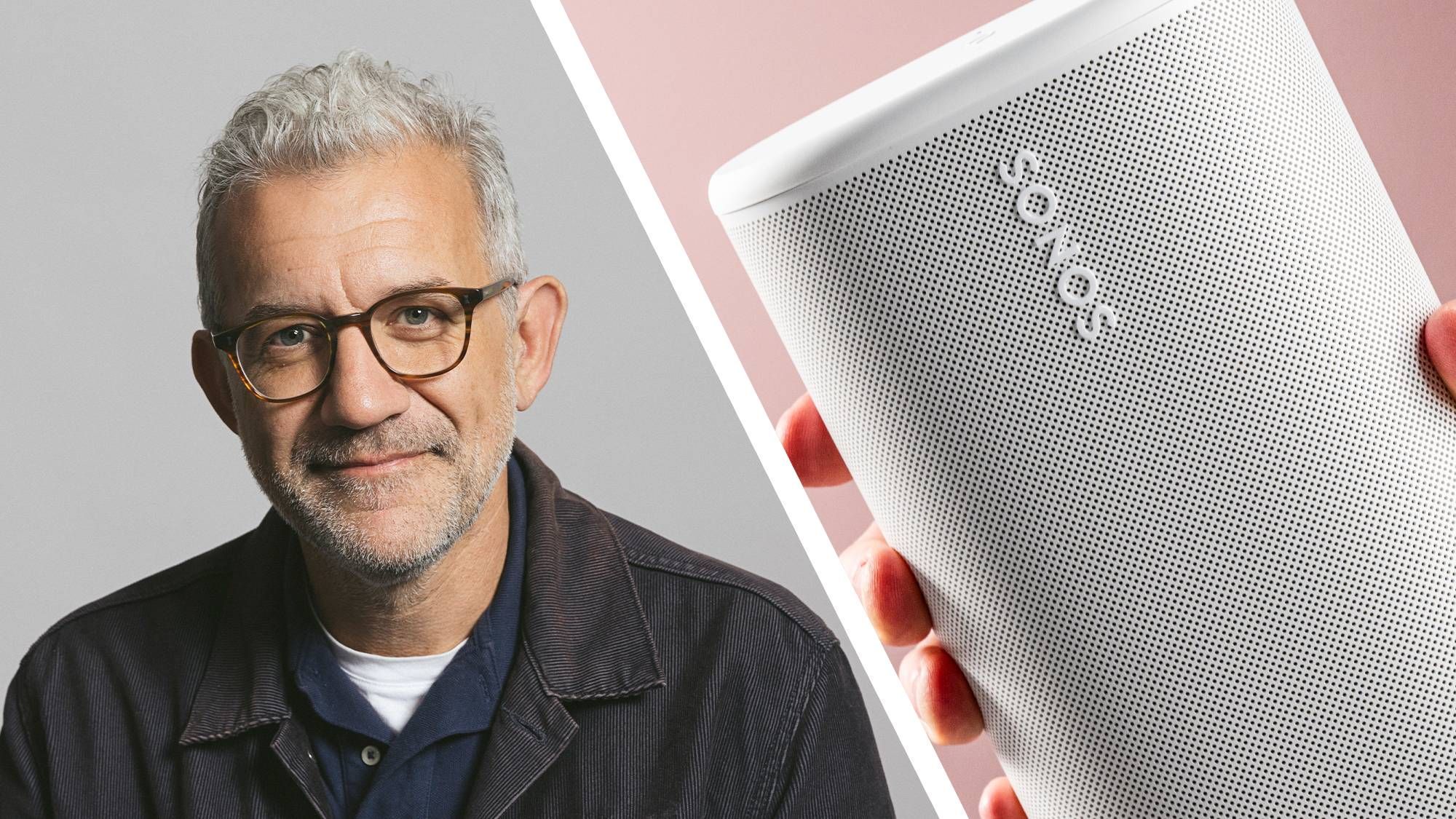
Sonos has announced a suite of significant changes to its app, addressing long-standing user frustrations with navigation and volume control. The update, detailed by CEO Tom Conrad in a Reddit post, stems from "hundreds of hours watching real customers use the Sonos app," according to a report by TechRadar. The new features will be available as an opt-in beta starting this week, marking what the company calls a deliberate, cautious rollout.
The Problem: Friction and Hidden Gestures
Conrad identified that "a lot of friction came from proprietary patterns we built that made the app harder to learn and use than it needed to be." Specific pain points included "stacks on stacks on stacks of content cards," swipe-up gestures to switch speaker orientation, close boxes where a back button was expected, and custom interface elements that felt foreign on iOS and Android. In response, Sonos is redesigning the core interaction model.
Three Key Changes
Conrad highlighted three major areas of improvement: tabbed navigation, volume control, and player display customization. The following table summarizes the shifts:
| Feature | Old Behavior | New Behavior |
|---|---|---|
| Navigation | Hidden gestures, content cards | Three-tab interface (Home, System, Search) styled natively to the operating system |
| Volume Control | Proprietary swipe gesture | A core mechanism easy to grab and fine-tune, plus tap up/down buttons and new group sync |
| Player Display | Limited customization | More control over how players are listed and displayed |
The main interface will replace "the hidden gestures and content cards" with a three-tab layout (Home, System, and Search) that uses native OS styling. The volume control will offer "a core mechanism that is easier to grab and fine tune, buttons to tap up and down if that's your thing and a new way to synchronize a across group of rooms." Additionally, "dozens of smaller quality-of-life fixes everywhere" are planned, including swipe-to-delete in playlists, new views on iPad, and a refresh to the Now Playing screen.
A Cautious Rollout
The changes are not being pushed to all users immediately. "We're not flipping a switch and pushing it to everyone at once," Conrad stated. The new features will first appear in a beta version released this week, but even within the beta they are not enabled by default. Users must toggle "Enable Improved Navigation" in Settings. After the beta, the improvements will remain an opt-in option while Sonos solicits feedback "until it's fully polished up." This approach marks a contrast with the earlier, widely criticized app launch.
- The beta program is open for sign-up, though participants are warned about potential bugs.
- The opt-in nature allows users to revert to the current interface at any time.
Leadership and Trust
Conrad, who took the helm in early 2025, has been transparent about past mistakes. In an earlier interview with TechRadar, he acknowledged, "In the aftermath of [the problems], you just have to show up in people's life with some humility and do the hard work of earning their trust back through great execution, great product, great software, great experiences, and never forget what you put people through." The positive reaction to the beta announcement—including a Reddit commenter who said, "Never thought I'd say this but I'm hyped for a better volume control"—suggests the company is on the right track.
The approach offers a case study in user-centered software design and incremental deployment. For enterprise technology leaders, the lesson is clear: listening to user friction, designing for platform-native behavior, and rolling out changes as opt-in can rebuild confidence after a troubled product launch. Sonos's emphasis on testing with real users before broad release is a practice any technology team can apply.
Sources: