Microsoft is changing how Windows 11 updates are delivered, bundling multiple update types into a single monthly download to reduce the frequency of reboots for enterprise machines. The change, now in early testing, addresses a longstanding pain point for IT departments managing fleet-wide updates.
Unified Update Experience
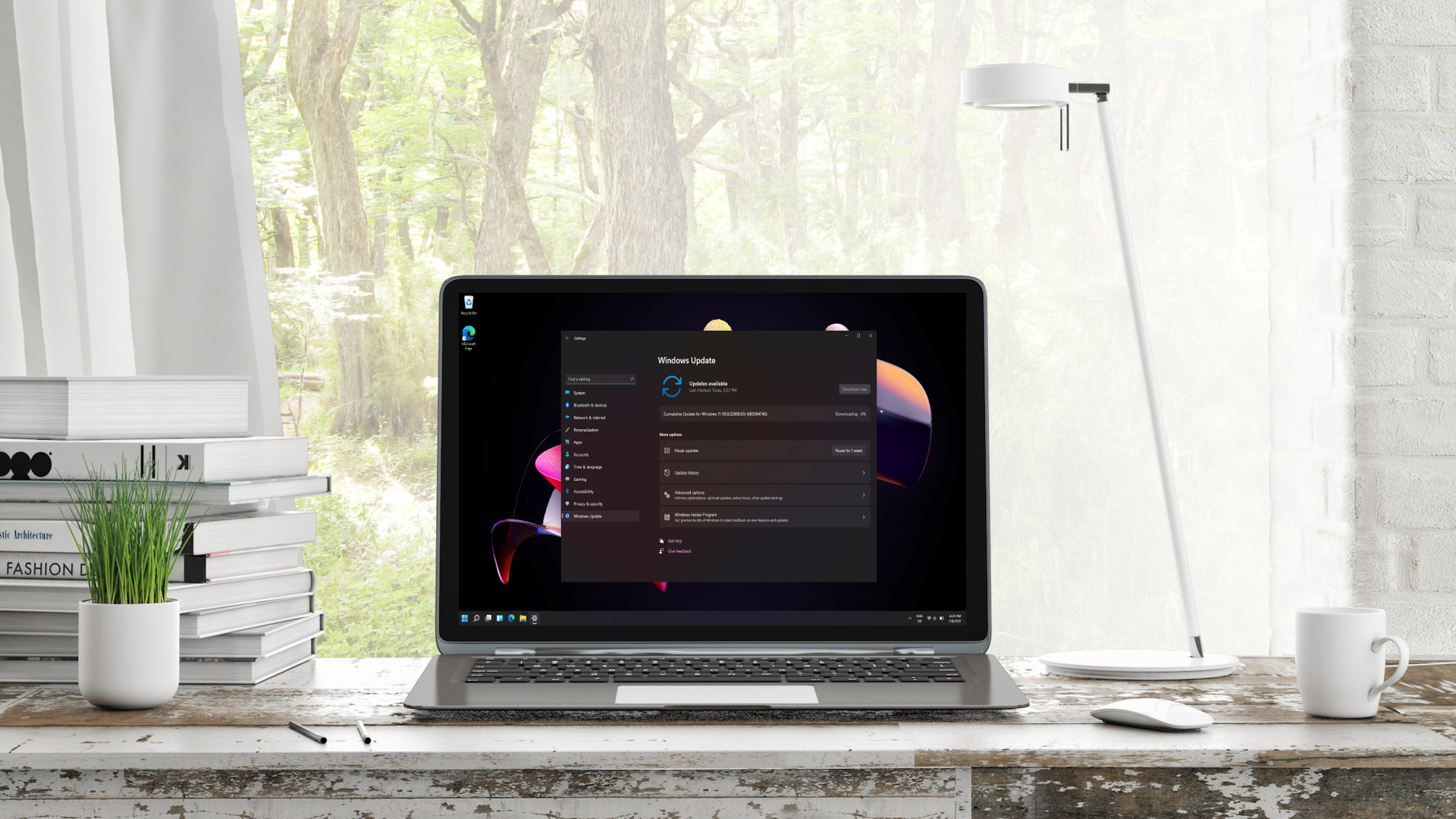
According to TechRadar, Microsoft has released a new preview in the Experimental channel (build 26300.8687) that introduces a "unified update experience." The company stated: "We are rolling out a new unified update experience to reduce the number of reboots you see per month. We are starting by coordinating driver, .NET, and firmware updates to align with the monthly quality update, reducing the update experience to a single monthly restart."
This consolidation means that separate updates for .NET framework, device drivers, and firmware will be bundled together with the monthly cumulative update. While the installation process may take longer, the trade-off is a single reboot to apply all outstanding upgrades—a significant convenience for IT administrators who previously had to schedule multiple restart cycles.
| Update Type Before Bundling | After Bundling |
|---|---|
| Separate driver updates (multiple reboots) | Bundled into monthly cumulative update |
| Separate .NET updates (multiple reboots) | Single reboot per month |
| Separate firmware updates (multiple reboots) | Aligned with monthly quality update |
| Total monthly reboots: 3–5 | Total monthly reboots: 1 |
Default App Improvements
The same preview build also includes a raft of tweaks to Windows 11's default applications, which Microsoft is now documenting under separate release notes in its Learn portal, according to Thurrott.com (as cited by TechRadar). Key changes include:
- Calculator: Improved readability with high contrast themes and more accurate square-root results (fixing rare errors).
- Camera: Support for more video resolution options, a full range of zoom levels, and better compatibility with front-facing cameras on more devices.
- Clock: Ability to run up to three simultaneous countdowns and a new 15-minute snooze on alarms.
- Paint: Adjustable eraser transparency, a cleaner AI image panel layout, faster toolbar loading, and stability improvements to reduce crashes.
- Photos: Displays very tiny images (e.g., pixel art) with appropriate zoom so they appear sharp; interface tweaks and a fix for a crash during text recognition.
- Media Player: Custom captions, bug fixes, and improved overall reliability.
- Sound Recorder: Undisclosed improvements.
Implications for Enterprise IT
For CTOs and technology procurement leaders, the bundled update approach simplifies Windows 11 lifecycle management across large deployments. Reducing the number of monthly reboots from potentially several to one directly cuts downtime and administrative overhead. The ability to delay a monthly update indefinitely—a feature also in the pipeline, according to TechRadar—further empowers IT teams to control update timing.
All changes are currently in testing: the default app improvements are in a more advanced stage, while the unified update is gradually rolling out in the Experimental channel. Broader availability is expected in the coming months. Microsoft has not specified a timeline for general release.
Sources: